
Home / Blog / AI Chatbots for Business: The Complete Guide to Getting Started
AI Chatbots for Business: The Complete Guide to Getting Started
AI chatbots help businesses improve customer support, answer common questions, automate routine tasks, and provide faster responses. This guide explains how AI chatbots work, their key benefits, and how businesses can get started with chatbot solutions to enhance customer experiences and improve operational efficiency.
13 Oct, 2026
Most businesses that look into an AI chatbot for business are trying to solve a specific problem: customers ask the same questions repeatedly, support requests pile up outside business hours, or a team is spending hours on tasks a chatbot could handle in seconds. Before choosing a platform or requesting a quote, it helps to understand what these tools actually do, how they differ from older automated systems, and where they genuinely fit into a business.
What Is an AI Chatbot for Business?
An AI chatbot for business is a program that holds conversations with customers or employees through text or voice, typically on a website, messaging app, or internal tool. Unlike a simple contact form, it responds in real time and can handle a range of phrasing rather than a single fixed command.
The term covers a wide range of systems. Some chatbots follow a fixed decision tree and only recognize specific phrases. Others use natural language processing and, increasingly, large language models to understand intent, hold context across a conversation, and generate more flexible responses. The right choice depends on what the business actually needs the chatbot to do.
How AI Chatbots for Business Work?
Most business chatbots follow a similar underlying pattern, even when the technology behind them differs.
- Input recognition: The system reads the customer's message and identifies the intent behind it, whether that's a shipping question, a booking request, or a product comparison.
- Knowledge and data: The chatbot draws on a knowledge base, product catalog, CRM, or connected business system to find a relevant answer.
- Response generation: Depending on the system, the response is either pulled from pre-written scripts or generated dynamically based on the conversation.
- Escalation: A well-built chatbot recognizes when a question is outside its scope and hands the conversation to a human team member instead of guessing.
That last point matters more than most businesses expect. A chatbot that confidently gives an incorrect answer can cause more frustration than one that simply says it needs to check with a team member.
Types of Business Chatbots: Rule-Based, AI-Powered, and Hybrid
Not every chatbot works the same way, and the differences affect cost, setup time, and what the tool can realistically do.
Rule-based chatbots: Follow pre-set decision paths. They work well for narrow, predictable tasks like order tracking or FAQ answers, and they are generally faster and cheaper to build. Our guide on rule-based chatbots and customer automation covers how these systems are structured and where they still make sense.
AI-powered chatbots: Use natural language processing and, often, large language models to interpret open-ended questions and hold more natural conversations. They require more setup, more data, and ongoing monitoring, but they can handle a wider range of customer requests without needing every possible phrasing pre-programmed.
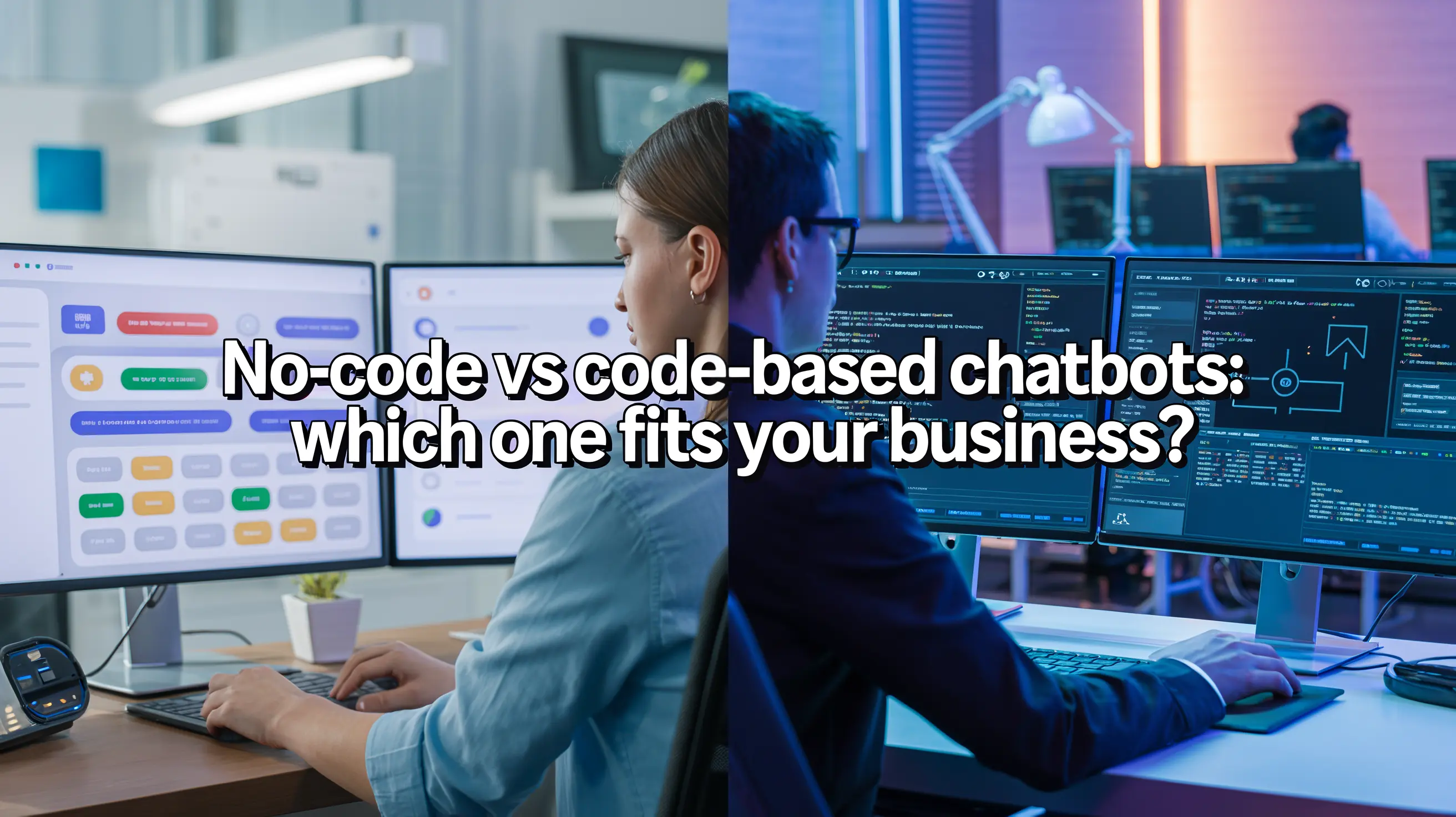
Hybrid chatbots: Combine both approaches: rule-based logic for common, high-volume requests, with AI-driven handling for anything that falls outside those paths. For many businesses, this is the more practical middle ground rather than an all-or-nothing choice. If you are weighing a no-code platform against a custom-built solution.
Where an AI Chatbot for Business Can Help
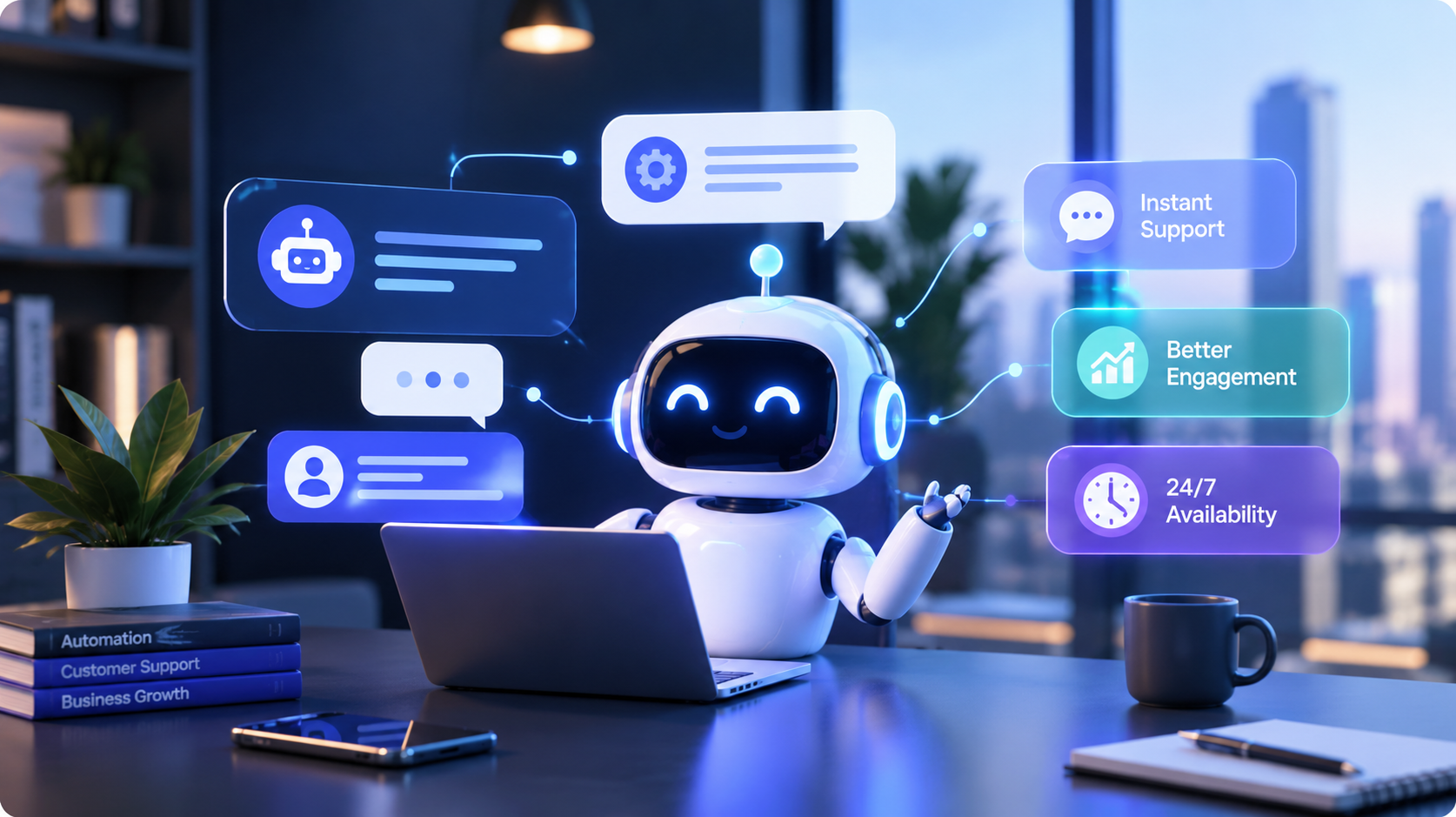
Chatbots are not a fit for every interaction, but they tend to add real value in a few consistent areas:
- Answering repetitive pre-sale questions about pricing, availability, or specifications
- Qualifying leads before they reach a sales team
- Handling order status, appointment scheduling, or account questions
- Providing after-hours support for simple, well-defined requests
- Reducing wait times during high-volume periods
A chatbot can reduce repetitive work for a support or sales team, but it depends on how well it is set up and maintained. It is not a replacement for a support team handling complex, judgment-based, or emotionally sensitive conversations.
What to Consider Before Building One ?
Before committing to a chatbot project, a few questions are worth working through.
What data will it draw on? A chatbot is only as useful as the information connected to it. Outdated product data or a thin knowledge base will show up quickly in poor answers.
How will it integrate with existing systems? CRM, order management, booking software, and helpdesk tools all need to connect cleanly for a chatbot to give accurate, current answers instead of generic ones.
What happens after launch? A chatbot needs periodic review as products, policies, and customer questions change. Costs do not stop at launch, and it helps to understand what ongoing maintenance typically involves before signing off on a build.
Who owns the escalation path? Decide early which conversations should route to a human, and make sure that handoff is smooth rather than a dead end.
Common Mistakes Businesses Make with Chatbots
A few patterns come up often when chatbot projects underperform:
- Launching with a narrow knowledge base and expecting the chatbot to "figure it out"
- Choosing a platform based on price alone without checking if it can integrate with existing systems
- Skipping a clear escalation path, so frustrated customers get stuck in a loop
- Treating the chatbot as a one-time project instead of something that needs regular review
- Setting expectations that AI will handle every type of customer conversation, including ones that genuinely need a person
Avoiding these issues usually comes down to planning the chatbot around a specific business process first, rather than adopting the technology and figuring out the use case afterward.
How to Get Started
A practical starting point looks like this:
- Identify the two or three repetitive questions or tasks causing the most friction for your team or customers.
- Decide whether a rule-based, AI-powered, or hybrid chatbot fits that use case.
- Map out what systems and data the chatbot will need access to.
- Define what a human handoff should look like before the chatbot goes live.
- Plan for review and updates after launch rather than treating the build as finished on day one.
Businesses evaluating this process often benefit from having one team review the website, systems, and customer data together rather than assessing the chatbot in isolation. That is part of why a free audit, covering areas like current automation opportunities and existing system compatibility, is a useful first step before committing to a specific build.
Frequently asked questions
1. What is an AI chatbot for business?
An AI chatbot for business is a software tool that communicates with customers or employees through text or voice. It can answer questions, provide information, qualify leads, schedule appointments, and handle other repetitive tasks in real time.
2. How does an AI chatbot help a business?
An AI chatbot can reduce repetitive work by answering common questions, handling basic support requests, qualifying leads, providing after-hours assistance, and helping customers find information without waiting for a team member.
3. What is the difference between rule-based and AI-powered chatbots?
Rule-based chatbots follow predefined conversation paths and work best for simple, predictable requests. AI-powered chatbots can understand more natural language and handle varied questions. A hybrid chatbot combines both approaches to manage different types of interactions.
4. Can an AI chatbot integrate with existing business systems?
Yes. Depending on the chatbot and its setup, it can connect with systems such as CRMs, helpdesk platforms, booking software, order management tools, and product databases. These integrations help the chatbot provide more relevant and current information.
5. Does an AI chatbot replace human customer support?
No. An AI chatbot is generally best used to handle repetitive and straightforward interactions while allowing human agents to manage complex, sensitive, or judgment-based conversations. A clear human escalation process is important for a successful chatbot implementation.

_1_11zon-1758181054011.webp)