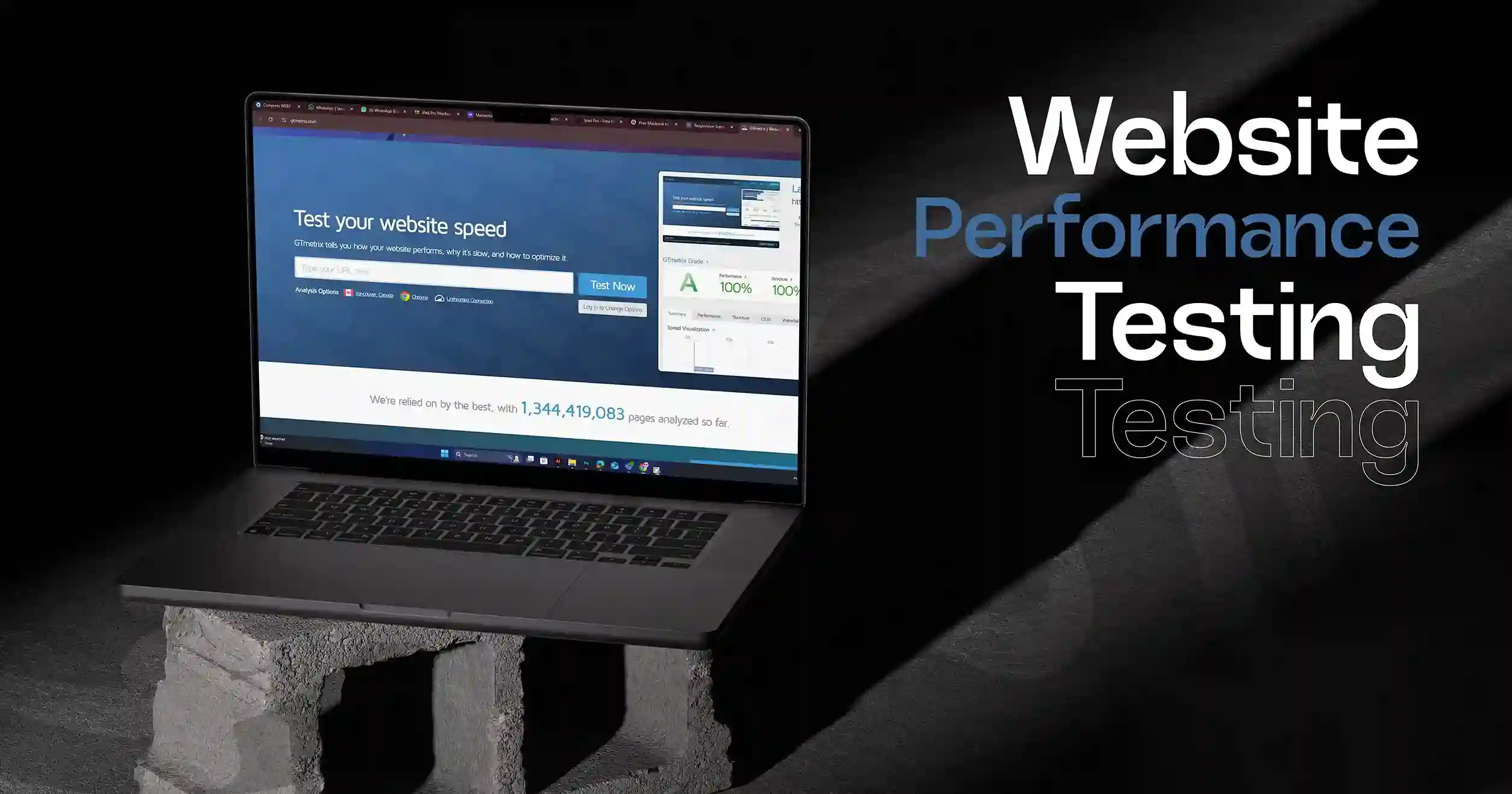
Home / Blog / Website Maintenance Explained: Why Your Business Can’t Afford to Ignore It
Website maintenance is essential for keeping your WordPress, Shopify, Wix, Webflow, or Squarespace website secure, fast, and reliable. This blog explains why regular updates, performance optimization, backups, and security checks are crucial for protecting your brand and improving long-term digital growth.
29 Nov, 2025
https://10turtle.com/service/uiux/website-design/webflow-website-design
Whether your website is built on WordPress, Shopify, Wix, or Webflow, it is one of the most important assets your business owns. It is your credibility, your storefront, your first impression, and often your primary driver of leads and sales.
Yet many
businesses forget a simple truth:
A website is not something you build once and ignore. It is a living system
that requires ongoing care.
Website maintenance ensures your platform stays secure, fast, updated, user-friendly, and aligned with modern digital standards. Without consistent upkeep, even the best-designed website can break, slow down, or expose your business to serious security risks.
This guide explains why website maintenance matters for the world’s most popular platforms and why your business cannot afford to overlook it.
Why Website Maintenance Matters for WordPress, Shopify, Wix, and Webflow?
1. Security Risks Are Highest on Popular Platforms
The more widely used a platform is, the more attractive it becomes for attackers.
WordPress
WordPress
powers over 40% of the internet, making it a major target.
Outdated plugins, themes, or PHP versions can instantly expose your site to
hacking attempts and malware.
Shopify
While Shopify handles core security, store owners still need to maintain apps, theme code, and integrations. Outdated apps can break functionality or cause vulnerabilities.
Wix
Wix is secure by design, but outdated content, broken pages, and ignored SEO settings can reduce trust and performance.
Webflow
Webflow is stable, but custom code, integrations, and CMS items still require audits to prevent errors.
Without maintenance, your website becomes vulnerable regardless of the platform.
2. Performance Directly Impacts Conversions
Every platform requires performance optimization:
WordPress
Caching, image optimization, database cleanup, and plugin management significantly impact speed.
Shopify
Apps, theme customizations, and scripts affect load times and checkout flow.
Wix
Large media files and unused sections slow pages down.
Webflow
Animations, custom scripts, and large CMS items can cause performance drops.
A fast website converts. A slow one sends customers away.
3. SEO Requires Constant Attention
Search engines reward websites that stay updated, fast, and technically clean.
Technical SEO changes constantly, including:
For
platforms like WordPress, SEO plugins must be maintained.
For Shopify stores, URLs, product pages, and metadata must be optimized.
For Wix and Webflow, regular content changes are required to stay competitive.
Maintenance ensures search engines can crawl, index, and rank your site properly.
4. User Experience Declines Without Maintenance
A neglected website leads to:
Each platform requires UX attention:
Your users judge your business instantly. Maintenance protects that first impression.
The Hidden Costs of Ignoring Maintenance
Many businesses think skipping maintenance saves money, but it typically leads to:
1. Expensive emergency repairs
2. Lost customer trust
3. Data breaches
4. SEO ranking drops
5. Broken checkout or contact forms
6. Reduced sales
7. Complete website failure
Especially on WordPress and Shopify, ignoring updates can completely break the site costing more than regular maintenance.
Platform-Specific Maintenance Tasks Your Website Needs
Here is what proper maintenance looks like for each platform:
WordPress Maintenance
WordPress is powerful but requires consistent technical care.
Shopify Maintenance
Even though Shopify is hosted, your store still requires ongoing optimization.
Wix Maintenance
Wix is easy to use but needs regular cleanup for best performance.
Webflow Maintenance
Webflow websites are visually advanced, which makes maintenance important.
How
Maintenance Supports Business Growth?
No matter which platform you use, maintenance delivers long-term benefits:
1. Better Search Rankings
Search engines prefer healthy, updated websites.
2. Higher Conversions
A fast, stable site increases sales and leads.
3. Stronger Brand Trust
A smooth experience builds credibility.
4. Lower Long-Term Costs
Maintenance prevents major failures and emergency fixes.
5. Consistent Customer Experience
Every visitor gets the best version of your site.
Website maintenance is not an expense. It is a growth strategy.
How Often
Should You Maintain Your Website?
Weekly
Monthly
Quarterly
Yearly
Consistency is everything.
Conclusion: Your Website Deserves Continuous Care
Whether your business runs on WordPress, Shopify, Wix, or Webflow, maintenance is what keeps your website alive, secure, and performing at its best. A well-maintained website attracts more visitors, earns customer trust, ranks better on search engines, and ultimately drives higher revenue.
Your website is a long-term asset. Treat it with the ongoing care it deserves.
At 10turtle,
we offer complete website maintenance for WordPress, Shopify, Wix, and Webflow.
From security monitoring to performance optimization, updates, backups, and SEO
improvements we handle everything so your business can grow without
interruptions.
Let us maintain your website the right way.
FAQ
1. Why is website maintenance important for platforms like WordPress, Shopify, Wix, and Webflow?
Website maintenance keeps your site secure, fast, updated, and functional across all platforms. Without it, your site becomes vulnerable to errors, slow performance, and security risks.
2. What happens if I don’t maintain my website regularly?
Neglecting maintenance can lead to slow loading speeds, broken pages, security breaches, SEO drops, and in some cases complete website failure.
3. How often should a website be maintained?
Weekly checks, monthly performance reviews, quarterly UX audits, and yearly design updates are ideal for keeping any website healthy and high-performing.
4. Does website maintenance improve SEO?
Yes. Maintenance ensures faster page speed, updated content, fixed errors, proper indexing, mobile responsiveness, and improved Core Web Vitals all of which help boost SEO rankings.
5. Do all website platforms require maintenance?
Yes. Whether your site is built on WordPress, Shopify, Wix, Webflow, or Squarespace, each platform needs regular updates, security checks, speed optimization, and content refreshes to perform well.
Sources
1.
WordPress
Security & Maintenance Guidelines
https://wordpress.org/support/article/hardening-wordpress/
2.
Shopify
SEO & Performance Best Practices
https://help.shopify.com/en/manual/promoting-marketing/seo
3.
Wix
Site Performance Optimization
https://www.wix.com/performance/website-optimization
5.
Google
Core Web Vitals (Speed & UX Standards)
https://web.dev/vitals/
Browse
Resources