Home / Blog / Mobile Game UI Design Trends for 2026
Mobile Game UI Design Trends for 2026
Explore the top mobile game UI design trends for 2026, from thumb-friendly layouts and adaptive HUDs to customizable controls, accessibility, AI-powered onboarding, and player-focused experiences.
14 Nov, 2026
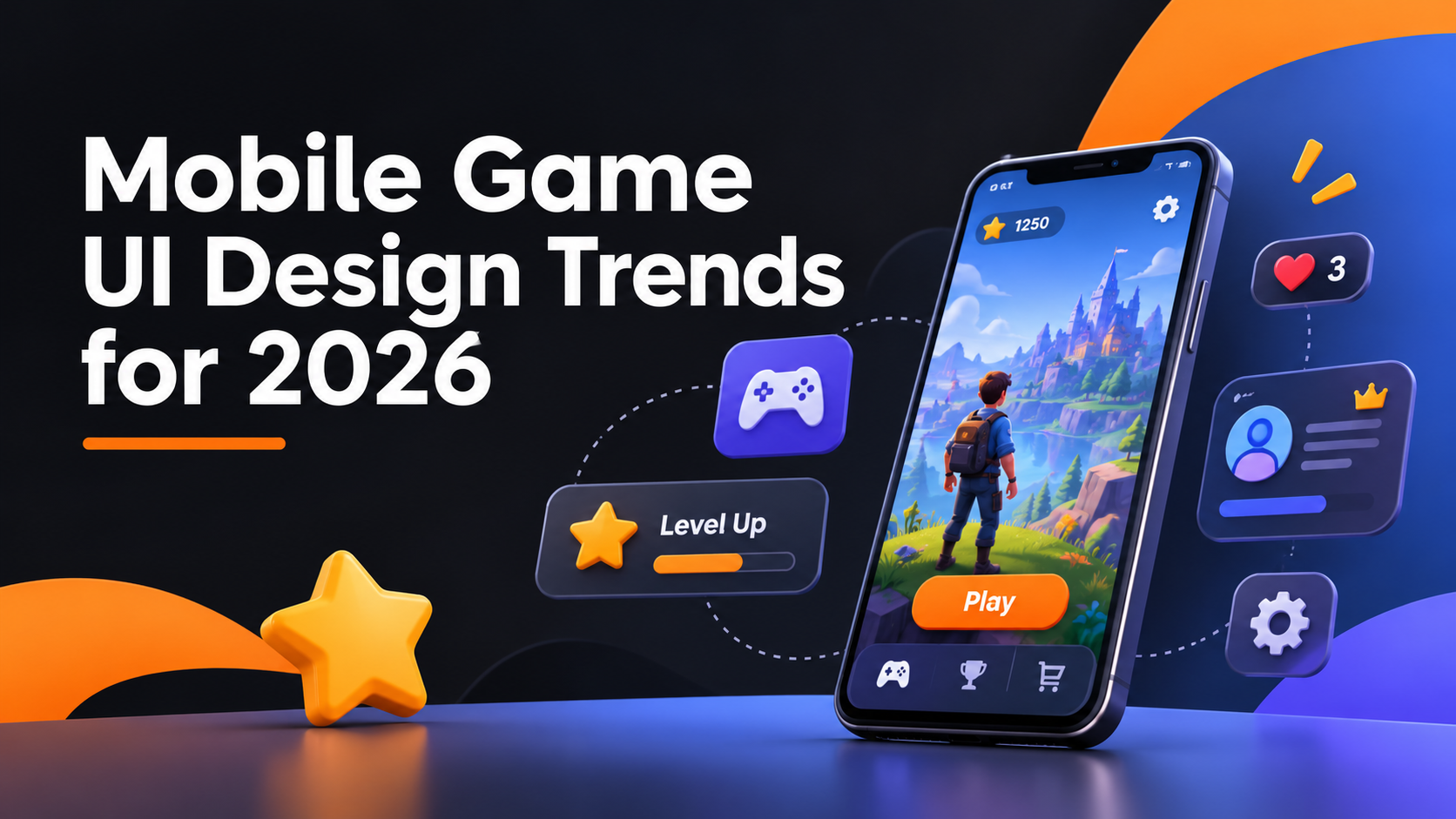
Mobile game interfaces are changing because phones, players, and expectations are changing. Larger screens, foldables, controller support, and higher accessibility standards all push designers to rethink where buttons sit and how much the screen should show. This guide covers the mobile game UI design trends for 2026 that are worth planning around, and how to judge which ones suit your game. If you are building a title and want input from a team that handles mobile game UI/UX design, these trends can also shape a stronger design brief.
Thumb-first layouts and one-handed play
Most players hold a phone with one or two thumbs, so reach matters more than screen real estate. Designers are placing primary actions in the lower half of the screen and keeping destructive or rarely used actions away from accidental taps. Larger and foldable devices complicate this, because the comfortable zone moves with the grip. Layouts that adapt to screen size and orientation are becoming a baseline expectation, not a bonus.
Adaptive HUDs that show less until needed
Crowded heads-up displays cover the action on small screens. A growing approach is a HUD that fades secondary information, such as cooldowns or resource counts, until it becomes relevant. The risk is hiding something a player needs at a critical moment. Test adaptive HUDs with real play sessions, since a clean screenshot does not prove the interface works during a fast match.
Player-customizable controls and layouts
Players have different hand sizes, grips, and preferences, so fixed control positions suit some people and frustrate others. Resizable buttons, repositionable controls, and saved layout profiles let players tune the interface themselves. This also reduces the pressure on designers to find one arrangement that works for everyone, which rarely exists.
Accessibility built into the base design
Accessibility is moving from an optional settings menu to a starting requirement. Practical examples include adjustable text size, colorblind-safe palettes that do not rely on color alone, subtitles and visual cues for audio events, and options to reduce motion or flashing effects. Retrofitting these late is usually harder than planning for them in the first wireframes.
Motion with a performance budget
Animation makes menus and rewards feel responsive, but every effect costs processing power and battery. The current direction favors purposeful micro-interactions: a button that confirms a press, a reward that draws the eye once, a transition that explains where the player just went. Effects that only decorate the screen tend to be the first to cause frame drops on mid-range devices, so set a motion budget early.
Clearer store and offer screens
Monetization screens are getting more scrutiny from players and platform reviewers. Clear pricing, obvious ways to close a pop-up, and honest labeling of what an offer contains build trust that pressure tactics erode. Good interface design here is about helping a player understand a choice quickly, which also supports long-term retention.
Personalised onboarding and AI-assisted interfaces
Onboarding that adjusts to a player's experience can shorten the path to the first enjoyable moment. Some studios are also exploring AI to tailor tips, difficulty cues, or support flows. This can be useful when it depends on well-defined player data and human review, and it can go wrong when it produces inconsistent or inaccurate guidance. Treat it as something to test carefully, not a feature to add because it sounds current. 10turtle's dedicated AI automation specialists work alongside its UI/UX and branding teams, which matters when a game's interface, identity, and player-support systems need to stay consistent with each other.
How to decide which trends fit your game
A trend is only useful if it solves a problem your players actually have. A quick way to filter them:
- Check your analytics and player feedback for the points where players drop off or complain.
- Match each trend to a specific problem, such as reach, clutter, or confusing menus.
- Prototype the change and test it on real devices, including older ones.
- Keep what improves clarity and drop what only adds visual noise.
For a deeper look at the foundations behind these choices, read our guide to mobile game UI/UX design principles that keep players engaged. If your game is heading to both major platforms, the differences covered in iOS vs Android app design are worth reviewing before you finalize layouts.
Frequently asked questions
What are the main mobile game UI design trends in 2026?
The main directions are thumb-friendly and adaptive layouts, HUDs that reveal information when needed, customizable controls, built-in accessibility options, purposeful motion, clearer store screens, and personalised onboarding. Which ones matter depends on your genre, audience, and the devices your players use.
Does a mobile game need a different UI from a mobile app?
Usually yes. Games rely on real-time input, fast feedback, and immersion, so controls, HUDs, and motion behave differently from a typical app interface. Games also carry unique needs such as reward feedback and in-game stores, which call for dedicated design decisions rather than app conventions.
How can I make a mobile game UI more accessible?
Start with adjustable text size, color choices that do not depend on color alone, captions or visual cues for sound, and settings to reduce motion. Test with players who use these features, because accessibility problems often appear only in real use rather than in design reviews.
Related Blog


Related Service