
Home / Blog / Moving From Squarespace to a Custom Site: Planning the Transition
Moving From Squarespace to a Custom Site: Planning the Transition
Learn how to migrate from Squarespace to a custom website with step-by-step guidance on content migration, URL redirects, SEO preservation, DNS setup, and post-launch testing.
21 Oct, 2026
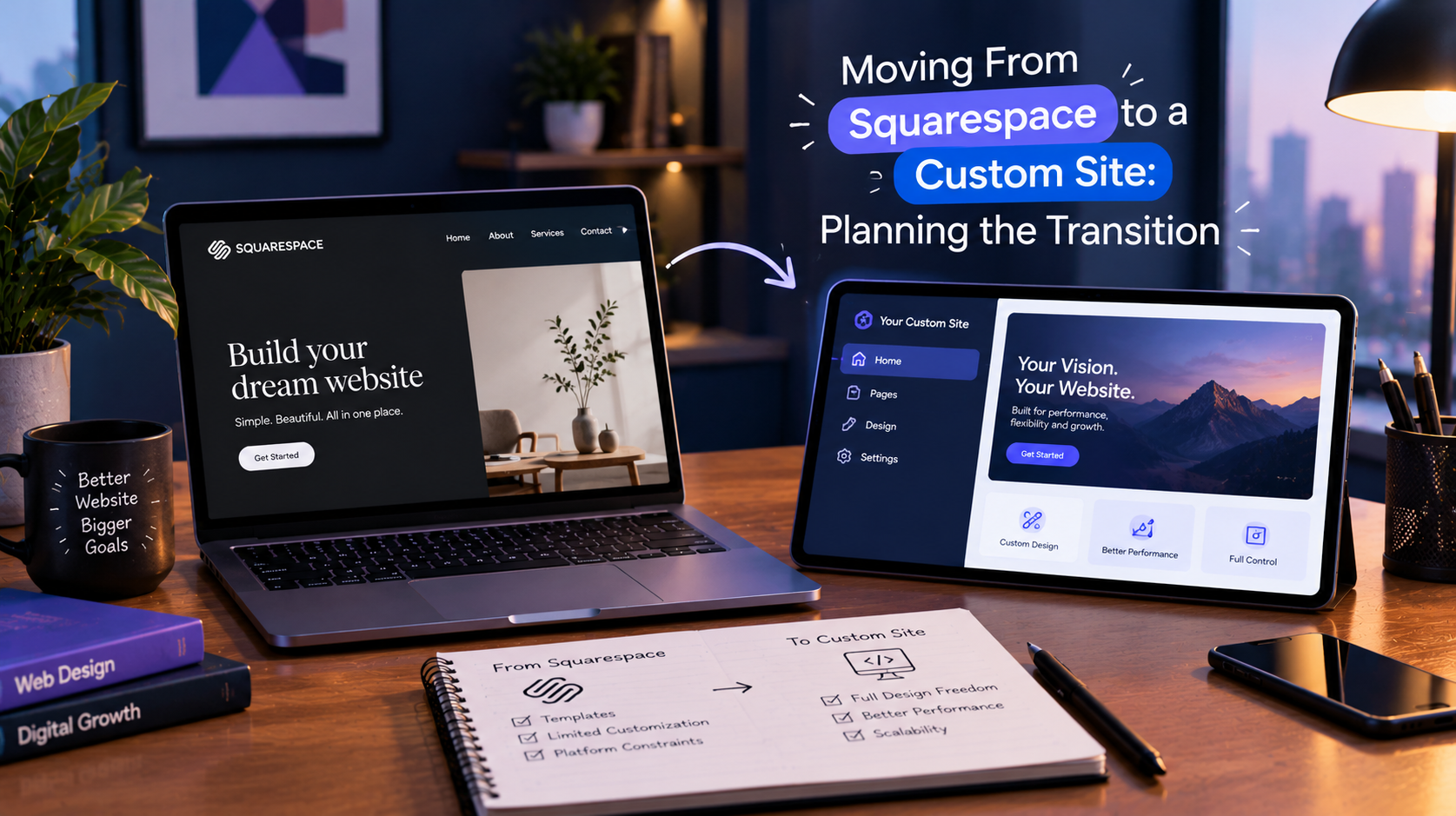
A Squarespace migration is rarely just a technical task. It changes how your pages are built, where your content lives, and how search engines find your URLs. Some sites are better served by staying put with help from Squarespace development services, while others have genuinely outgrown the platform. If you have decided to move to a custom site, the planning done before anything is built determines how smooth the switch is. This guide covers what to prepare, the order of work, and what to check afterward.
Before You Start: Requirements and Prerequisites
Begin with an inventory, not a design. Crawl your current site and list every URL, then note which pages earn traffic, rankings, or backlinks. Record every content type you use: pages, blog posts, products, forms, bookings, and member areas.
Next, check what Squarespace will actually let you export. Its built-in export is designed around a WordPress-compatible file and does not carry every content type or your design, so plan on moving some content by hand.
Confirm who controls the domain, DNS, email, and analytics logins. Finally, write down the specific limit pushing you away from the platform, such as custom functionality, integrations, or control over performance.
Step-by-Step Process
Step 1: Audit and map the current site
Build a spreadsheet with the old URL, new URL, page purpose, and a keep, merge, or drop decision for each page. Capture current titles, meta descriptions, and image alt text so your SEO work is not rebuilt from scratch. 10turtle’s free audit reviews areas such as performance, conversion, accessibility, and SEO, and can serve as a starting point for this step.
Step 2: Plan the new structure and design
Layouts built with Squarespace blocks do not transfer, so treat the new site as a rebuild. Use the move to fix known problems: navigation, page speed, accessibility, and weak conversion paths. If brand assets also need updating, settle that before development starts.
Step 3: Build and migrate on a staging site
Keep the live Squarespace site running while the new one is built on a private staging environment. Move content, rebuild forms and integrations, install analytics, and implement the redirect list from Step 1. Test everything on mobile before launch.
Step 4: Launch and switch DNS
Choose a lower-traffic window and reduce your DNS TTL beforehand so changes propagate faster. Remove any noindex setting from staging. Keep your Squarespace subscription active until the new site is verified, especially if your domain is registered there.
.png)
Common Mistakes to Avoid
- Launching without 301 redirects, which breaks old links and discards earned authority.
- Dropping low-traffic pages that quietly attract backlinks.
- Leaving a noindex tag from staging on the live site.
- Cancelling Squarespace before DNS and email are confirmed working.
- Forgetting form notifications, tracking codes, and integrations.
How to Confirm It Worked
Crawl the old URL list and confirm each one redirects to the intended page. Submit your new sitemap in Google Search Console and watch indexing reports for errors. Test every form and checkout or booking path. Expect some traffic movement in the weeks after launch, and compare performance page by page rather than relying on one sitewide number.
When to Bring In a Specialist
A small brochure site can sometimes be moved in-house. Bring in help when you have many URLs, ecommerce or bookings, pages that drive meaningful search traffic, or custom functionality. 10turtle’s web team handles replatforming, and where the move also involves a visual refresh, branding specialists work alongside them under one accountable partner. If you are comparing routes, our custom business websites page explains the build side.
How This Applies to Wix and Squarespace Sites
Both are hosted builders, so you cannot take the theme or code with you. What moves is content, URLs, and data, and the redirect and DNS discipline above applies equally to Wix. Export options differ by platform and plan, so check current official documentation before promising yourself a clean export.
Frequently asked questions
What do I need in place before starting a Squarespace migration?
You need a full URL inventory, an export of your content, access to your domain and DNS, and a clear reason for leaving. You also need a redirect map linking each old URL to its new page. Without these, you risk losing rankings and breaking links during the switch.
How long does moving from Squarespace to a custom site take?
It depends on page count, content types, integrations, and how much design work is involved. A small brochure site is much quicker than a store with products and bookings. A specialist can estimate this once they have seen your inventory, so avoid any fixed timeline given without that review.
What are the most common Squarespace migration mistakes?
Missing 301 redirects, removing pages that earn backlinks, leaving a staging noindex tag live, and cancelling Squarespace too early are the most frequent. Forgetting forms, email notifications, and tracking codes also causes quiet losses that go unnoticed for weeks.
When is it better to switch to another platform?
Consider moving when you hit a specific limit that settings and custom code cannot solve, such as complex integrations, advanced functionality, or performance control. If your needs are mainly design or layout, improving the current Squarespace site may cost less than a full migration.