Home / Blog / Flutter App Development: Pros, Cons, and When It's the Right Choice
Flutter App Development: Pros, Cons, and When It's the Right Choice
Explore the pros and cons of Flutter app development in 2026, including performance, cost, scalability, and how to choose the right framework for your business.
19 Oct, 2026
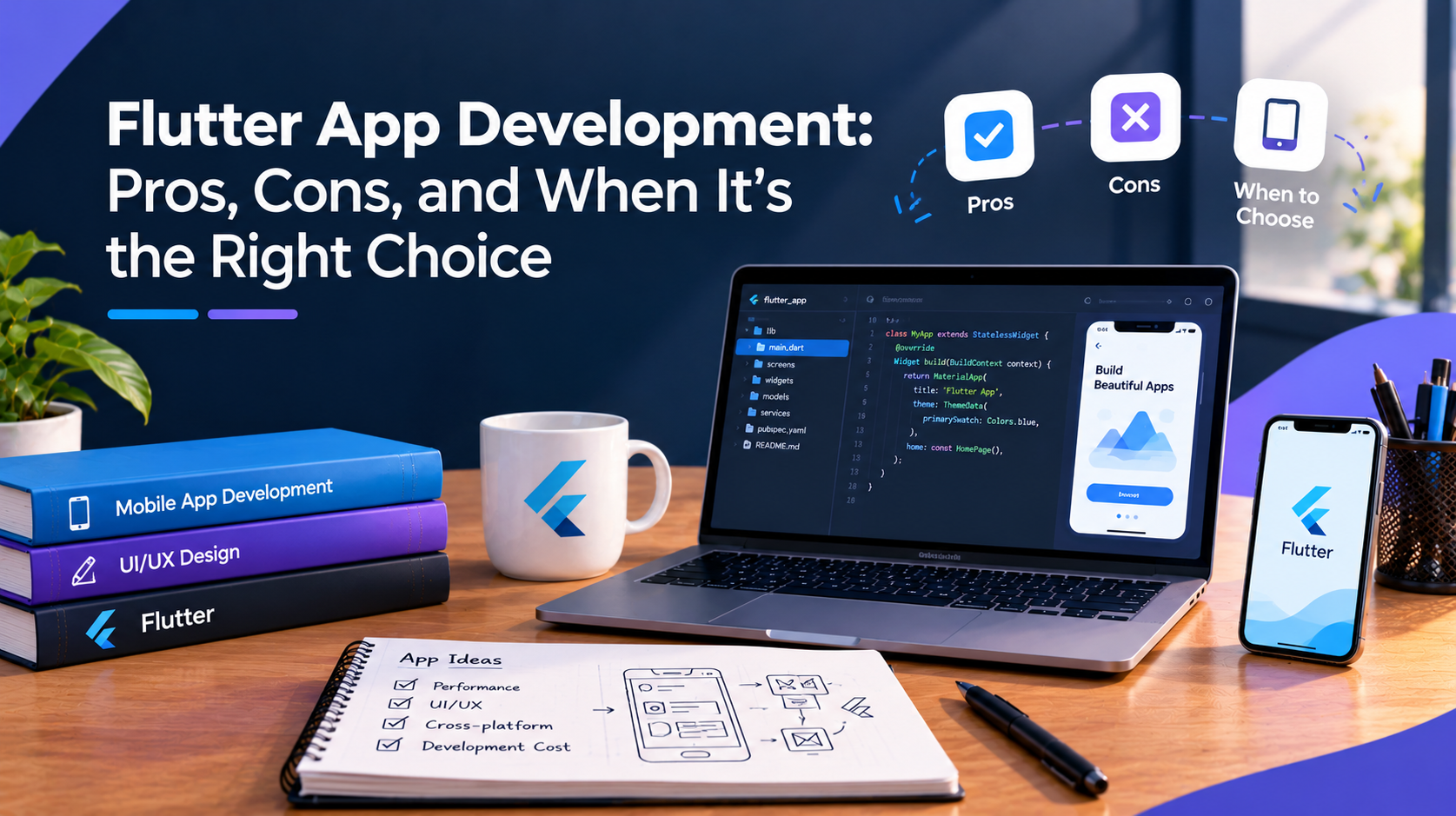
The mobile app framework you choose can influence development time, ongoing maintenance, and the app’s performance as it grows. Flutter app development has gained attention for allowing businesses to build apps for both iOS and Android using a single codebase. However, Flutter may not be the ideal choice for every type of application. This article explores where Flutter works well, its potential limitations, and the key factors to consider when deciding whether it fits your app development needs.
What Flutter Is and How It Works
Flutter is an open-source framework built by Google that lets developers write one codebase in the Dart programming language and compile it into native apps for iOS, Android, web, and desktop. Instead of relying on the device's native UI components, Flutter draws every element on the screen itself using its own rendering engine. This is different from React Native, which bridges to native components, and it is a big part of why Flutter apps tend to look and behave consistently across devices.
Advantages of Flutter App Development
One codebase for iOS and Android: Development teams write the app once and ship it to both platforms, which cuts down on duplicated work compared to building two separate native apps.
Consistent visual behavior: Because Flutter renders its own UI rather than depending on each platform's native components, an app usually looks and behaves the same on iOS and Android without extra platform-specific adjustments.
Faster iteration during development: Flutter's hot reload feature lets developers see code changes reflected almost immediately, which speeds up testing and UI adjustments during the build phase.
Strong performance for most app types: Flutter compiles to native ARM code rather than running through a JavaScript bridge, which generally gives it smoother animations and responsiveness than some cross-platform alternatives.
Growing library and plugin support: Flutter's plugin ecosystem has expanded significantly since its release, covering common needs like payments, maps, authentication, and analytics.
Limitations of Flutter App Development
App size: Flutter apps tend to have a larger base file size than fully native apps, since the framework includes its own rendering engine rather than relying on the platform's built-in components.
Dart adoption: Dart is less widely used than JavaScript or Swift, which can narrow the pool of developers already familiar with it, though the language itself is not difficult to pick up for experienced developers.
Native feature gaps: Some device-specific or newly released native features may require custom native code or third-party plugins before Flutter fully supports them, which can add development time for cutting-edge functionality.
Not always the best fit for highly complex, platform-specific apps: Apps that depend heavily on deep native integrations or platform-exclusive design patterns may still perform better built natively for each platform.
When Flutter Is the Right Choice
Flutter tends to work well for businesses that need to launch on iOS and Android at the same time, want a consistent design across both platforms, and are working with a defined budget or timeline where building two separate native apps is not practical. It also suits MVPs and startups that need to test an idea quickly before committing to a larger native build.
Flutter is less ideal when an app depends on complex native functionality unique to one platform, when performance requirements are extremely demanding (such as advanced AR or gaming), or when a business already has a mature native codebase that would be costly to rebuild.
Questions to Ask Before Choosing Flutter
Before committing to a framework, it helps to ask a few practical questions:
- Does the app need deep integration with platform-specific hardware or APIs?
- What is the realistic timeline and budget for building on two platforms separately versus one shared codebase?
- Will the app need long-term scalability across web and desktop as well as mobile?
A Flutter app development team that works across both cross-platform and native builds can usually walk through these trade-offs based on the specific app rather than a general recommendation, since 10turtle's mobile app development is handled by a dedicated specialist team rather than treated as a generic add-on to web projects.
Frequently asked questions
Is Flutter good for app development in 2026?
Flutter remains a strong option for businesses that need iOS and Android apps built from one codebase, especially for MVPs, startups, and apps without heavy platform-specific requirements. Its suitability still depends on the specific app's complexity, performance needs, and long-term scalability goals.
What are the main disadvantages of Flutter?
The main drawbacks are larger app file sizes compared to fully native apps, a smaller developer pool familiar with Dart, and occasional gaps in support for brand-new native features that may require custom code or third-party plugins to bridge.
Is Flutter faster than React Native?
Flutter generally performs better for animation-heavy or graphically complex interfaces because it compiles to native code rather than relying on a JavaScript bridge. Actual performance still depends on how the app is built, its feature set, and the development team's implementation choices.
Can Flutter be used for complex apps?
Yes, Flutter can support complex apps, including those with custom animations and business logic. Apps requiring deep native-only integrations or highly platform-specific behavior may still need targeted native code or, in some cases, a fully native build.