Home / Blog / iOS vs Android App Design: Key UX Differences Designers Must Know
iOS vs Android App Design: Key UX Differences Designers Must Know
Explore the key differences between iOS and Android app design, including navigation, gestures, typography, and UI components, to create intuitive user experiences for both platforms.
19 Oct, 2026
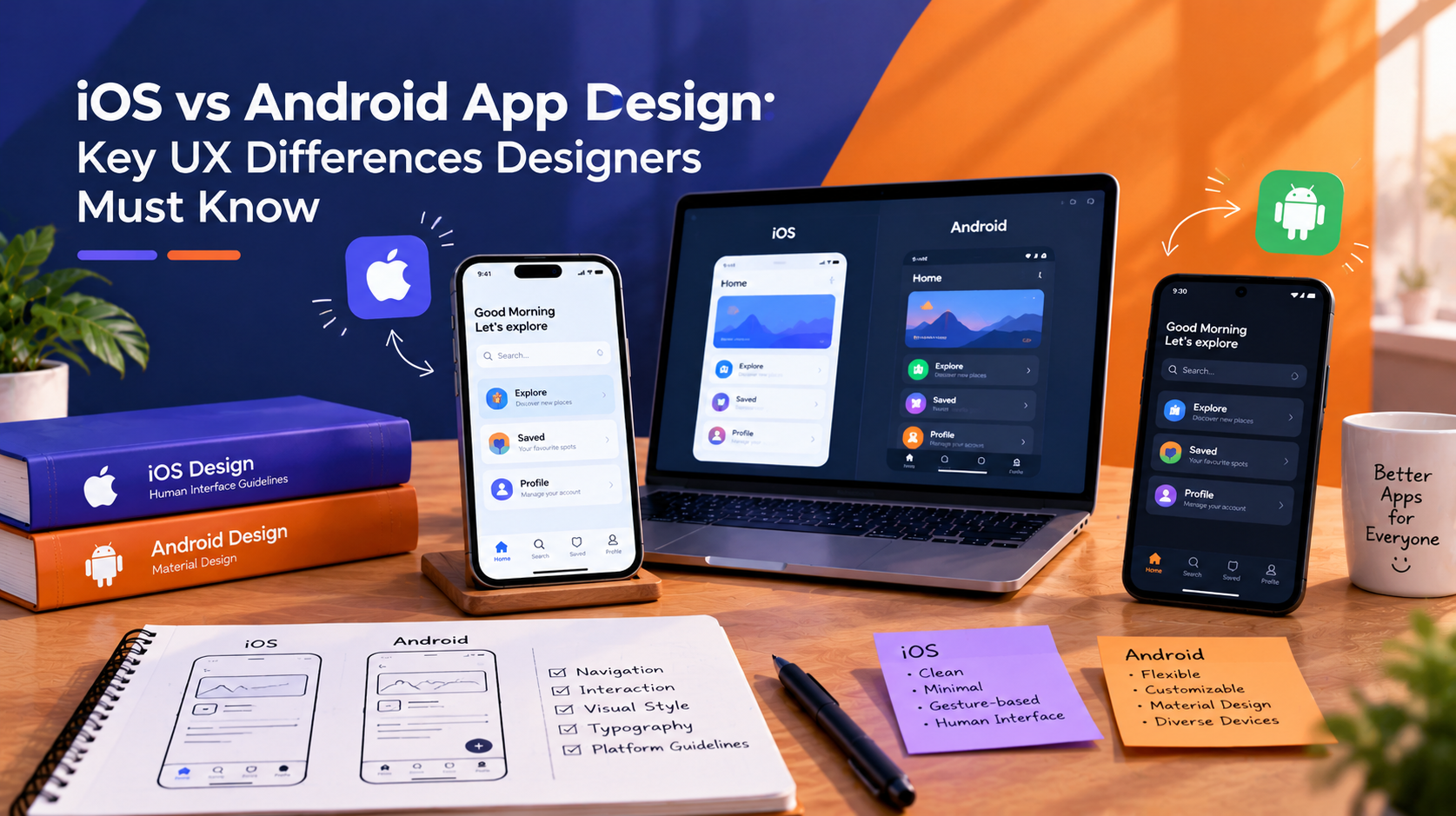
A button that feels natural on an iPhone can feel out of place on an Android device, and the reverse is just as true. iOS and Android are built on different design systems, with different rules for navigation, gestures, and visual hierarchy. Designers who treat both platforms the same way usually end up with an app that works, but never quite feels right to either audience.
How Apple and Google Approach Design Differently
When it comes to iOS app design, Apple’s Human Interface Guidelines emphasize clarity, simplicity, and subtle depth through layering. They encourage developers to use consistent, native UI components to create a seamless and familiar experience across apps. In contrast, Android follows Google’s Material Design principles, offering greater flexibility for visual customization, expressive layouts, layered shadows, and fluid motion. Neither approach is inherently better; they simply reflect different design philosophies. While iOS app design prioritizes consistency and a unified user experience, Android provides more opportunities for brand identity and creative expression within a structured design system.
Navigation Patterns
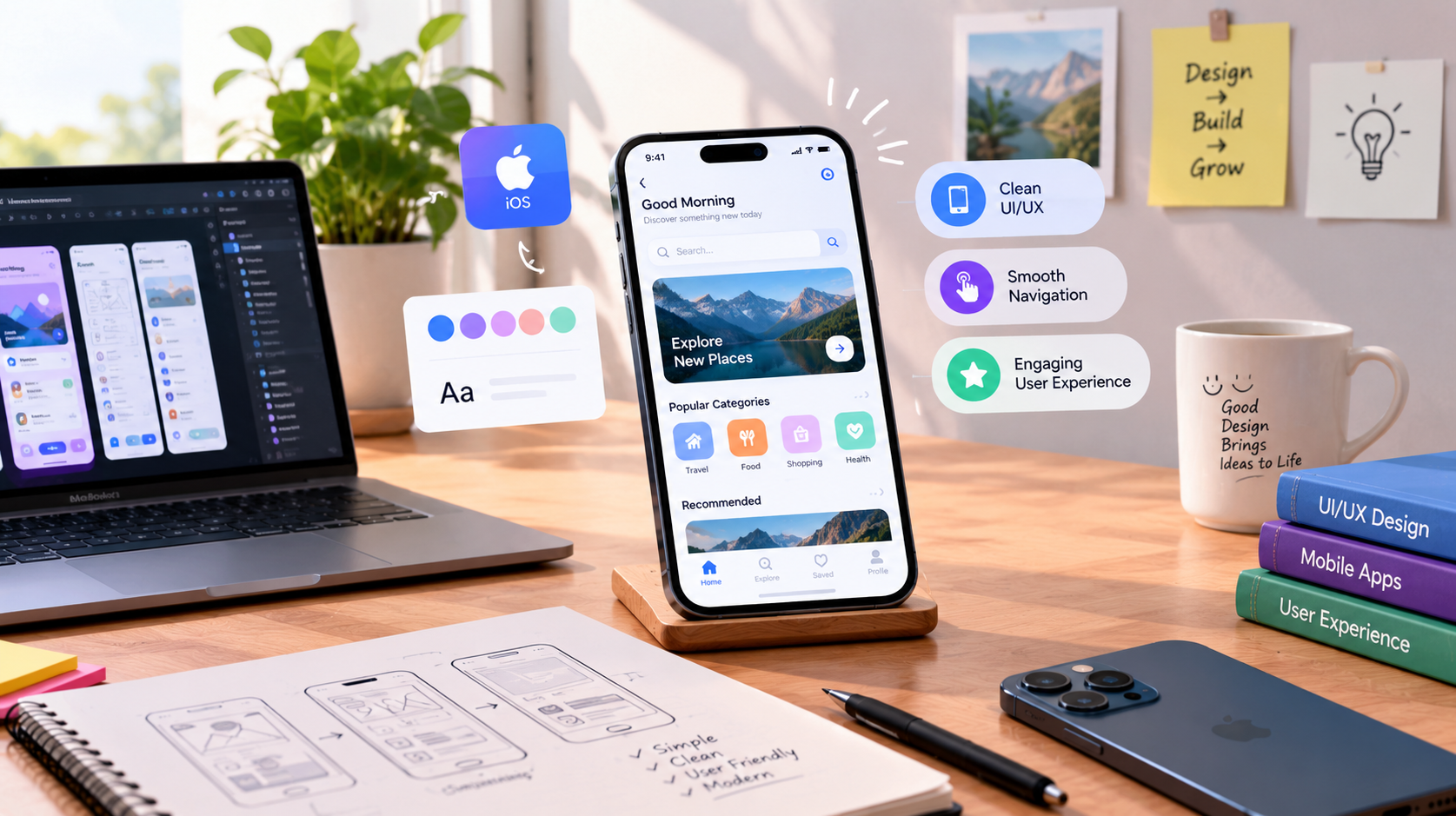
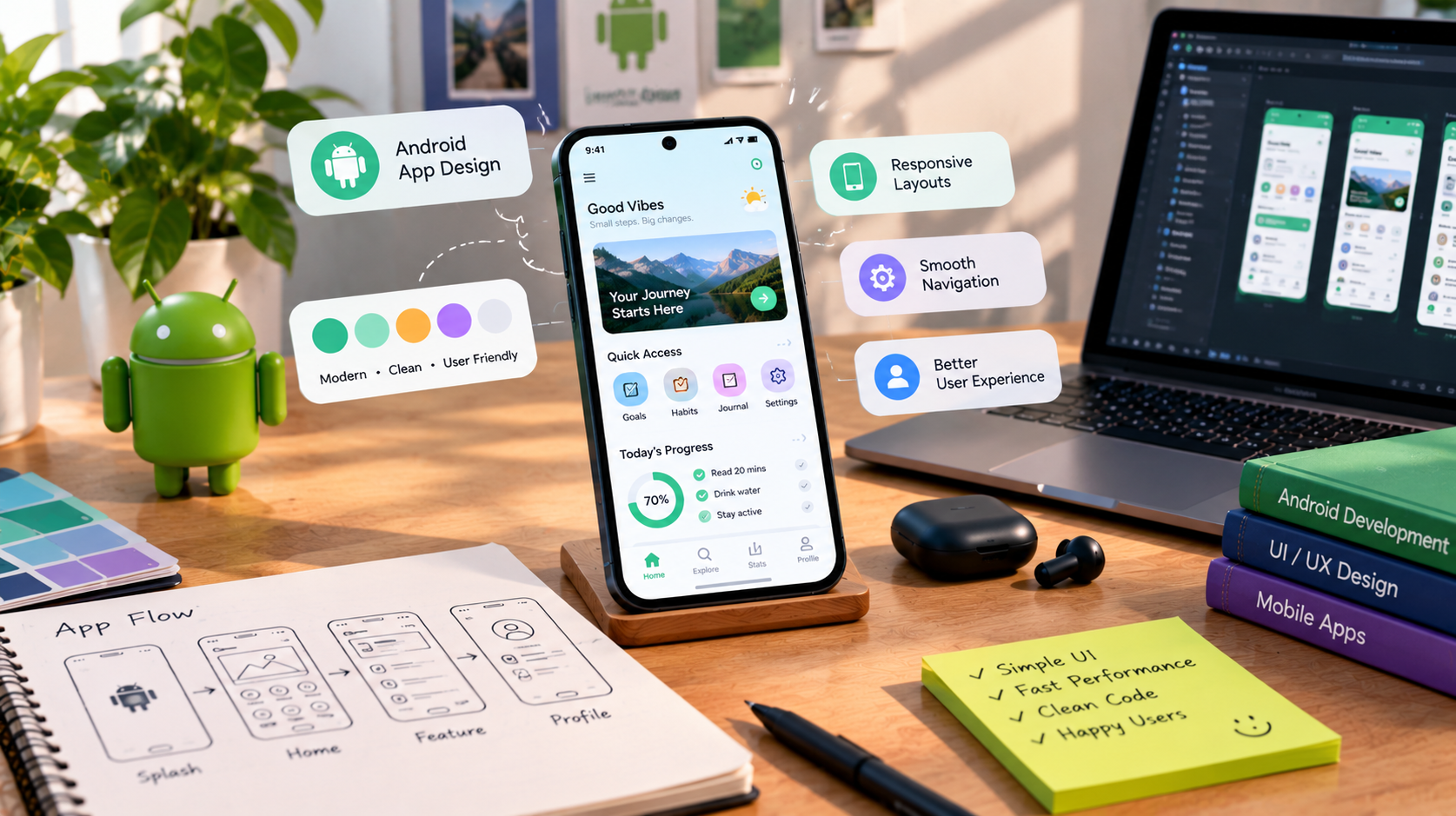
Navigation is one of the key areas where iOS and Android differ. iOS commonly uses a bottom tab bar for primary navigation with a back button in the top-left, while Android apps often combine bottom navigation with system-level back behavior, navigation drawers, or other secondary navigation patterns. Following platform-specific conventions is important for creating an intuitive experience, which is why understanding the principles covered in our Android App Design Guide: Master User Experience & Performance can help designers build navigation that feels natural to Android users. Simply copying an iOS navigation pattern onto Android, or vice versa, can lead to confusion when users expect familiar platform behaviors.
Gestures and Interaction Models
iOS gestures tend to be more standardized: swipe from the left edge to go back, swipe down to dismiss, and pull down to refresh. Android supports many of the same gestures but gives designers more flexibility in how they are implemented, particularly with custom navigation gestures introduced in more recent Android versions. Interaction timing also differs. iOS animations tend to be quick and understated, while Android's Material motion system is more expressive, with visible transitions that reinforce what just happened on screen.
Typography, Iconography, and Visual Density
iOS defaults to the San Francisco typeface and tends toward more white space and a lighter visual density. Android defaults to Roboto and, through Material Design, often supports denser layouts with more visible elevation, shadow, and color use. Icon style differs too. iOS icons trend toward simpler, more literal shapes, while Android icons under Material Design often include more color variation and rounded geometry. These are not just cosmetic choices. Typography and density affect readability, scan speed, and how quickly a user finds what they need.
Where the Differences Matter Most
The gap between platforms matters most in apps with heavy navigation, forms, or multi-step processes, such as checkout flows, onboarding sequences, or dashboards. A simple content app with minimal navigation can often use a closer visual language across both platforms without much usability cost. But an app that relies on system gestures, permission flows, or platform-specific notifications needs separate design consideration for each. Ignoring these differences tends to show up later as support tickets, uninstalls, or inconsistent app store ratings between the two platforms.
Questions to Ask Before Choosing a Design Approach
- Will the app be designed natively for each platform, or built with a shared design system adapted for both?
- Which platform does the target audience use most, and does that change the priority of one design system over the other?
- Are there existing brand guidelines that need to translate across both iOS and Android without losing consistency?
- How will navigation, gestures, and system-level behaviors be tested on real devices for each platform?
A dedicated UI/UX team that works across both platforms can usually spot these trade-offs earlier than a generalist, since the platform-specific behaviors are easy to overlook until real users start interacting with the app.
Frequently asked questions
Should an app look identical on iOS and Android?
No. Matching every visual detail across platforms usually creates friction, since each platform has different navigation and gesture expectations. A better approach keeps the brand consistent while letting each platform's native patterns guide navigation, typography, and interaction behavior.
Is Material Design only for Android apps?
Material Design is Google's system and is built for Android, but some cross-platform frameworks apply Material components on iOS as well. This can simplify development but may feel unfamiliar to iOS users who expect Apple's native interaction patterns instead.
Does platform-specific design cost more to build?
It usually requires more design and development time upfront, since each platform needs its own navigation and component decisions. Many teams offset this by sharing a core design system across both platforms and adapting only the elements that genuinely need to differ.
Can one designer handle both iOS and Android well?
Yes, if they understand both design systems in depth, though many teams prefer platform-specific specialists for larger or more complex apps. The right approach depends on the app's complexity and how much the two versions need to diverge.