
Home / Blog / Low-Code vs Custom Development: Choosing for Internal Apps
Low-Code vs Custom Development: Choosing for Internal Apps
Choosing between low-code and custom development for internal apps depends on your business needs, workflow complexity, budget, and future growth plans. Low-code platforms help teams build applications quickly with minimal coding, while custom development offers greater flexibility, advanced integrations, and control over features. Understanding the differences can help businesses select the right approach to automate tasks, improve team productivity, and manage operations efficiently without unnecessary complexity or costs.
15 Oct, 2026
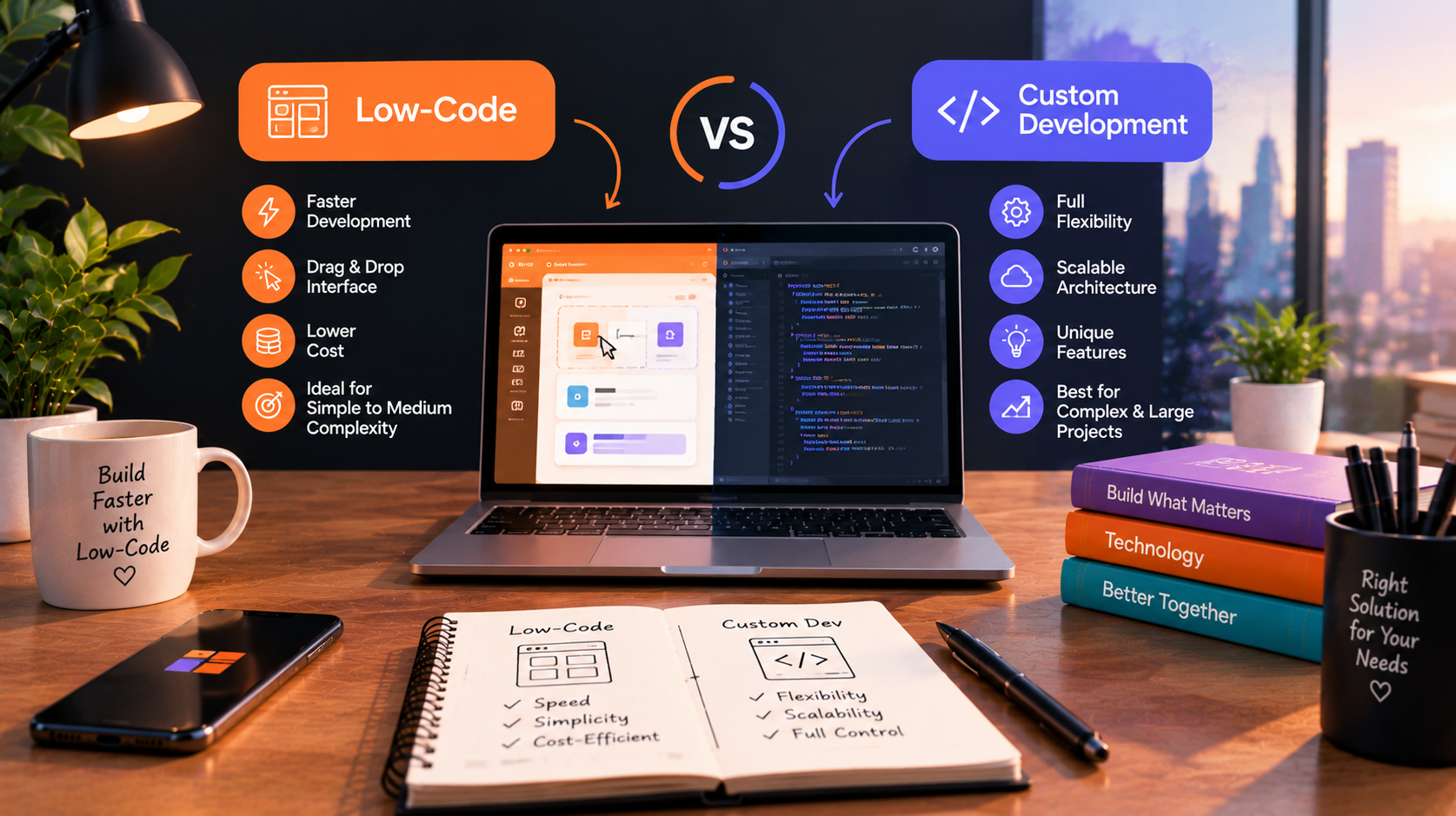
Low-code vs. custom development usually comes up when a spreadsheet or inbox process stops scaling. A low-code platform can put a working app in front of staff quickly. Custom code gives you control over logic, data, and integrations. Neither is better by default. The right choice depends on workflow complexity, who will maintain the app, and how long it needs to last. If you already know you need a tailored build, our custom software development services page covers what that looks like. 10turtle offers custom development, so weigh our view with that in mind.
Quick Comparison Overview
Low-code platforms let teams assemble apps from prebuilt components, visual workflow builders, and templates, often with limited hand-written code. Custom development means engineers design and build the application to your requirements, from the data model to the interface.
At-a-glance table
Where Each Option Is Strongest
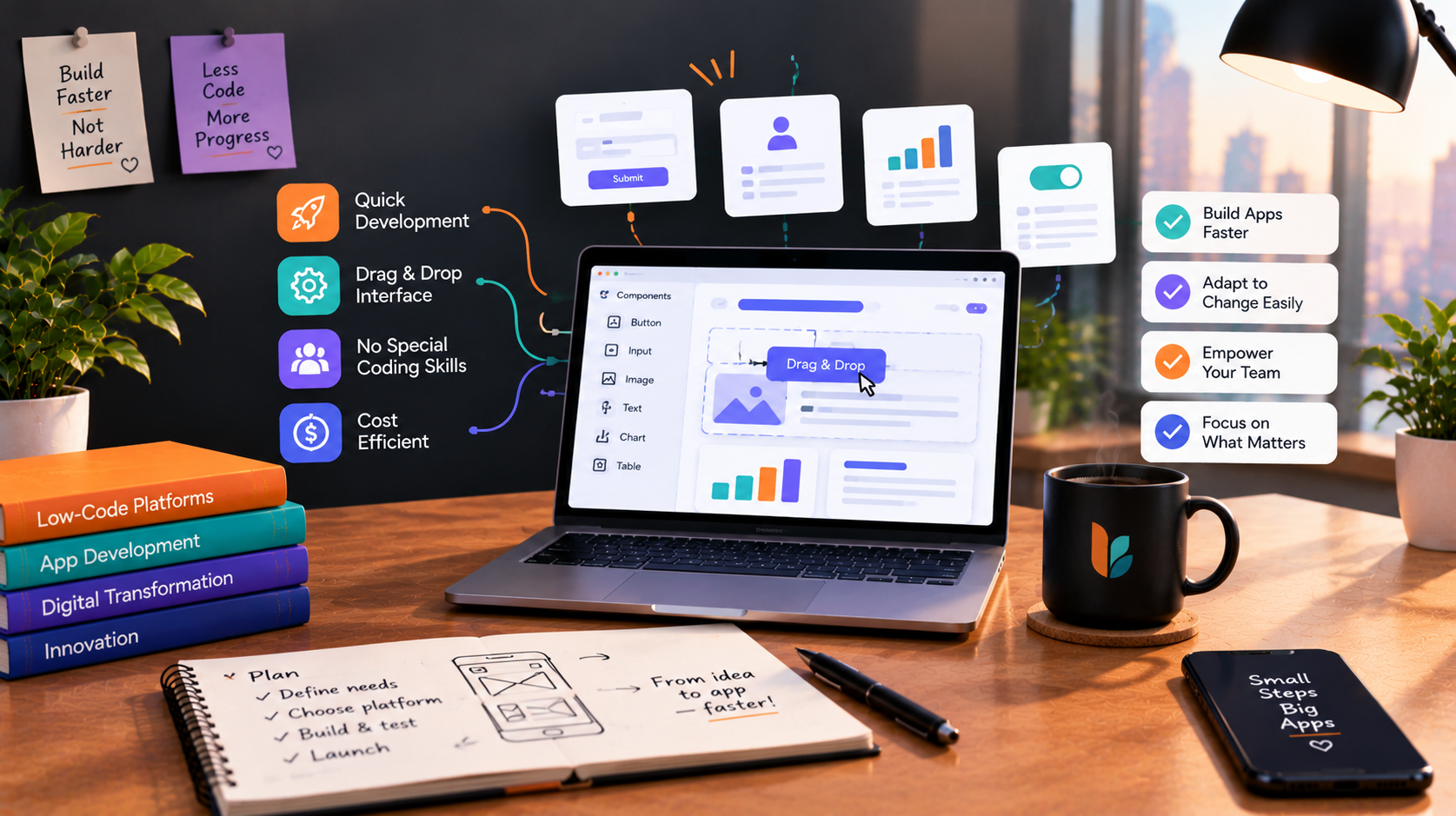
Low-code works well for approval flows, simple request trackers, basic dashboards, and data entry forms. It also suits quick prototypes, where the goal is to learn whether a process is worth building properly. A business analyst or a technical operations person can often build the first version without a full engineering team.
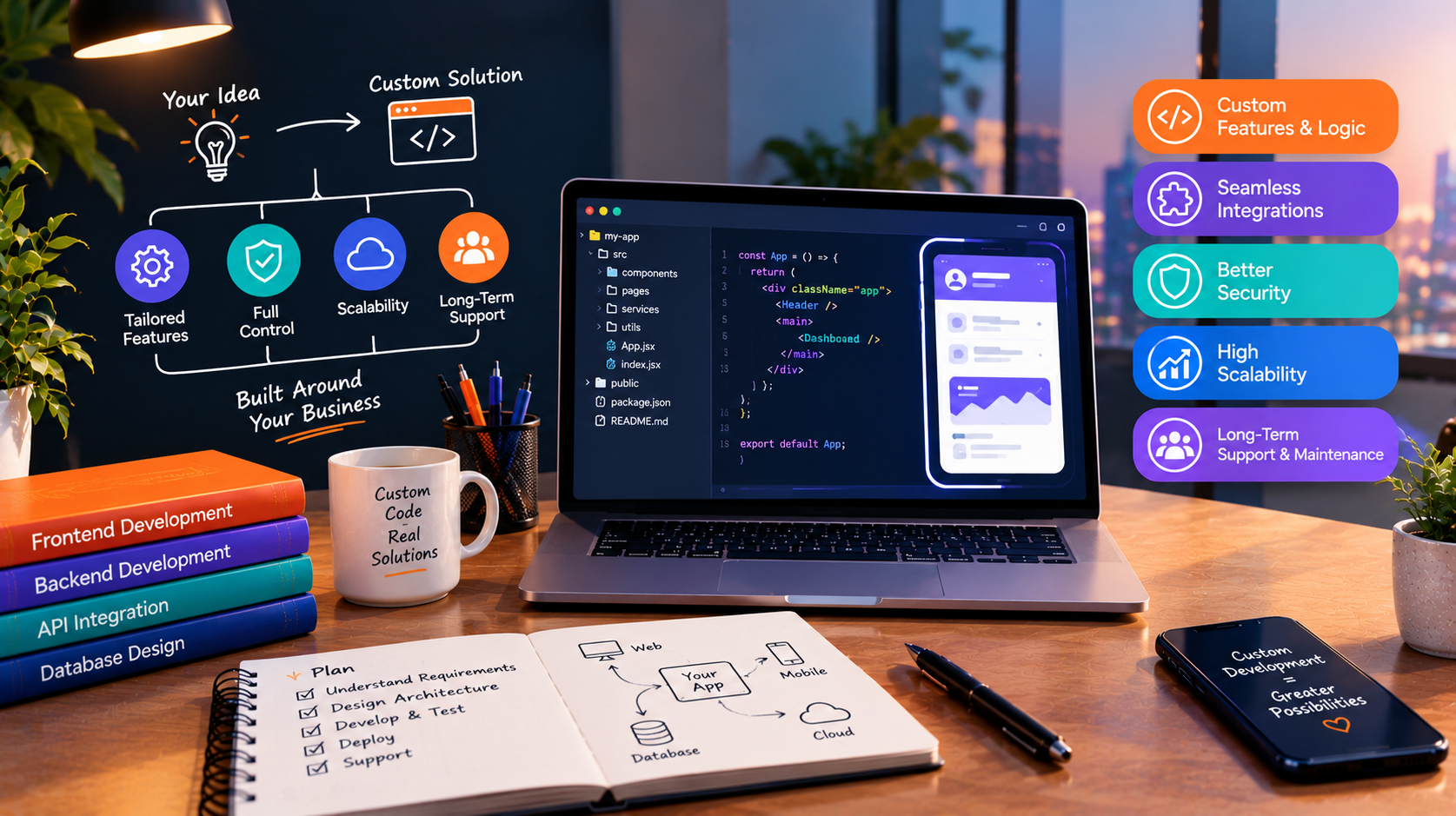
Custom development is stronger when the app is central to how the business runs. Examples include role-based access across departments, multi-step logic with exceptions, heavy integrations with finance or inventory systems, and unusual reporting needs. If staff will use the tool all day, interface speed and fit matter more, and custom work gives you room to tune both.
Cost and Resourcing Considerations
Low-code usually costs less to start. Many platforms price by user, app, or usage tier, so the bill can climb as adoption grows. Confirm the pricing model with each vendor and ask what happens to cost at double your current headcount.
Custom development costs more upfront because you are paying for design, engineering, and testing. Afterward, you pay for hosting, maintenance, and future changes, but you are not renting the platform. Neither option is free to maintain. Low-code apps still need an owner who understands the logic, and custom apps need updates, security patches, and monitoring.
When comparing, count staff time as well. A low-code build that needs constant workarounds can cost more in hours than a well-scoped custom build.
Scalability, Flexibility, and Limitations
The main limit of low-code is the platform boundary. If a feature is not supported, you work around it or accept the gap. Common friction points include complex permissions, large data volumes, custom integrations, and performance under heavy use. Exporting your data and logic if you leave the platform can also be difficult, so ask about that early.
Custom development removes most of those boundaries, but it adds responsibility. You need a plan for architecture, testing, hosting, and security. A poorly scoped custom project can run long or deliver more than anyone needed. That is why discovery and a phased scope matter before any code is written.
Which Option Fits Which Business
A small team with a simple, contained process and a limited budget is often well served by low-code. A growing business with several systems that need to share data, or with workflows that give it an operational edge, tends to be better served by custom software. Many companies land in the middle: low-code for peripheral tools, custom for the core. Some needs push toward custom quickly, such as a client-facing system. If the app will be used by customers rather than staff, see customer portal development for what clients expect.
Decision Checklist
- How many people will use the app, and how will that change in two years?
- Does the workflow follow a standard pattern, or does it have many exceptions?
- Which systems must it connect to, and are those integrations supported out of the box?
- Who will own and maintain it after launch?
- What happens if the platform changes its pricing or features?
- Does the app handle sensitive data that needs specific access controls?
- Is this a prototype to learn from, or a system the business will rely on?
If most answers point to simple, small, and temporary, start with low-code. If they point to complex, connected, and long-lived, plan for custom.
How This Applies to Your Software Roadmap
Most teams do not have to choose once and forever. A practical roadmap might prototype a process in low-code, learn what staff actually need, then rebuild the proven parts as custom software. 10turtle supports both situations: building something new from zero, and rebuilding what already exists when a tool has outgrown its platform. Our dedicated development specialists work under one accountable partner, which helps when the project also touches your website, branding, or automation.
If AI features such as document classification or summarization are on your roadmap, check how the platform supports them or plan custom AI development alongside the app.
Frequently asked questions
Which option is better for a small business on a limited budget?
Low-code is often the better starting point because upfront cost and build time are lower. It fits simple, contained workflows. Check per-user pricing as you grow, and avoid building critical, complex processes on a platform you cannot easily leave.
Can I switch later if I choose the wrong one?
Yes, but it takes planning. Moving from low-code to custom usually means rebuilding the app, although the workflow and data design you validated can guide the new build. Confirm data export options before committing to any platform, so migration stays possible.
How do long-term costs compare?
Low-code tends to carry recurring platform fees that can rise with users or usage. Custom development costs more upfront, then adds hosting and maintenance. Compare total cost over three to five years using your expected headcount, integrations, and change requests.
Can this integrate with the tools we already use?
Often yes. Low-code platforms typically offer connectors for popular tools, though less common systems may need workarounds. Custom development can integrate with any system that exposes an API or data export. Check the integrations you cannot do without before choosing.